
Set up once. ViewHelm runs itself.
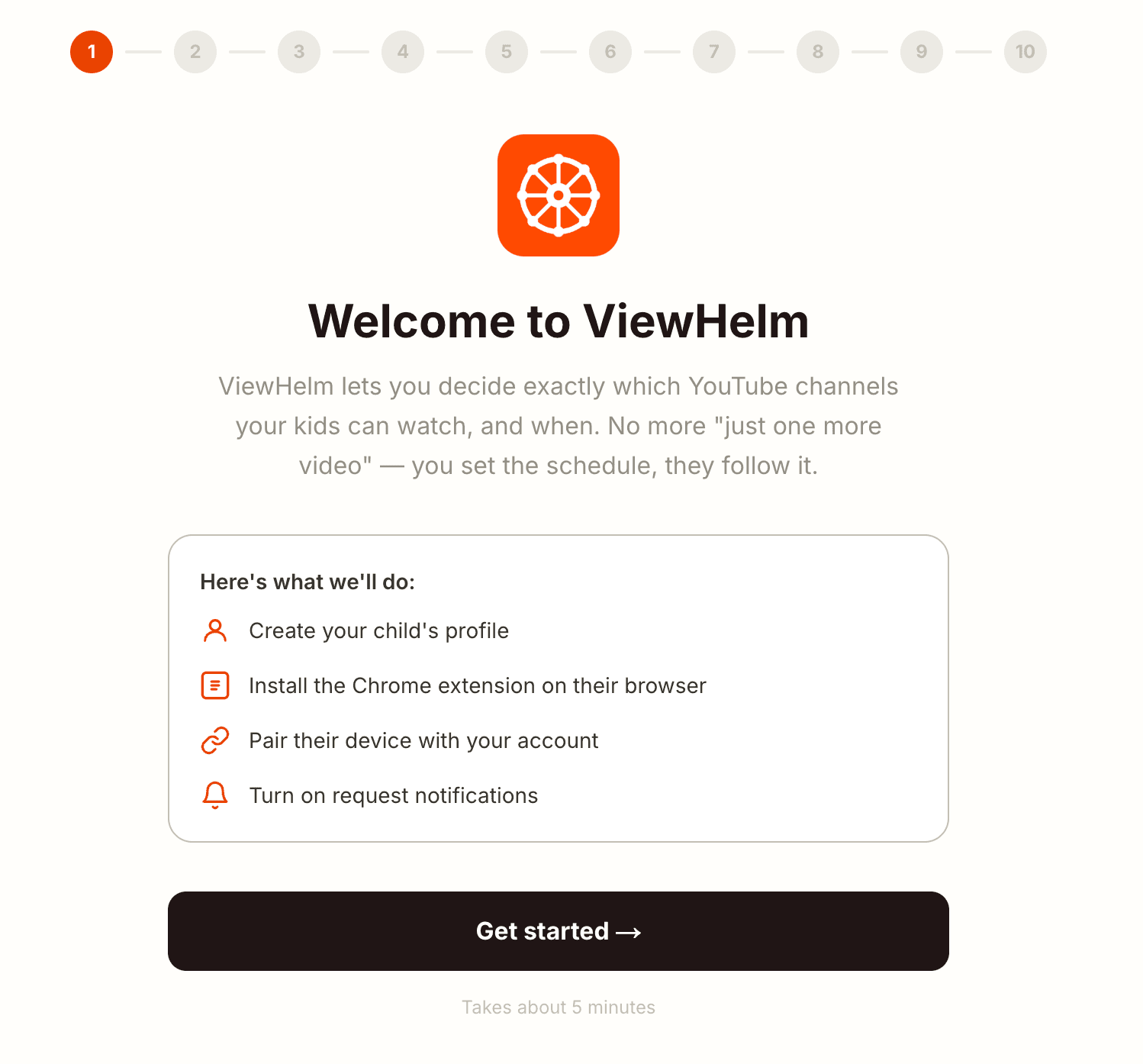
Four steps, about five minutes. Then the hardest part of your week, deciding what's on, becomes the easiest.
Create your ViewHelm account
Sign up at viewhelm.com — email, name, no card. The Console asks who you're protecting and walks you through what to install on which device.
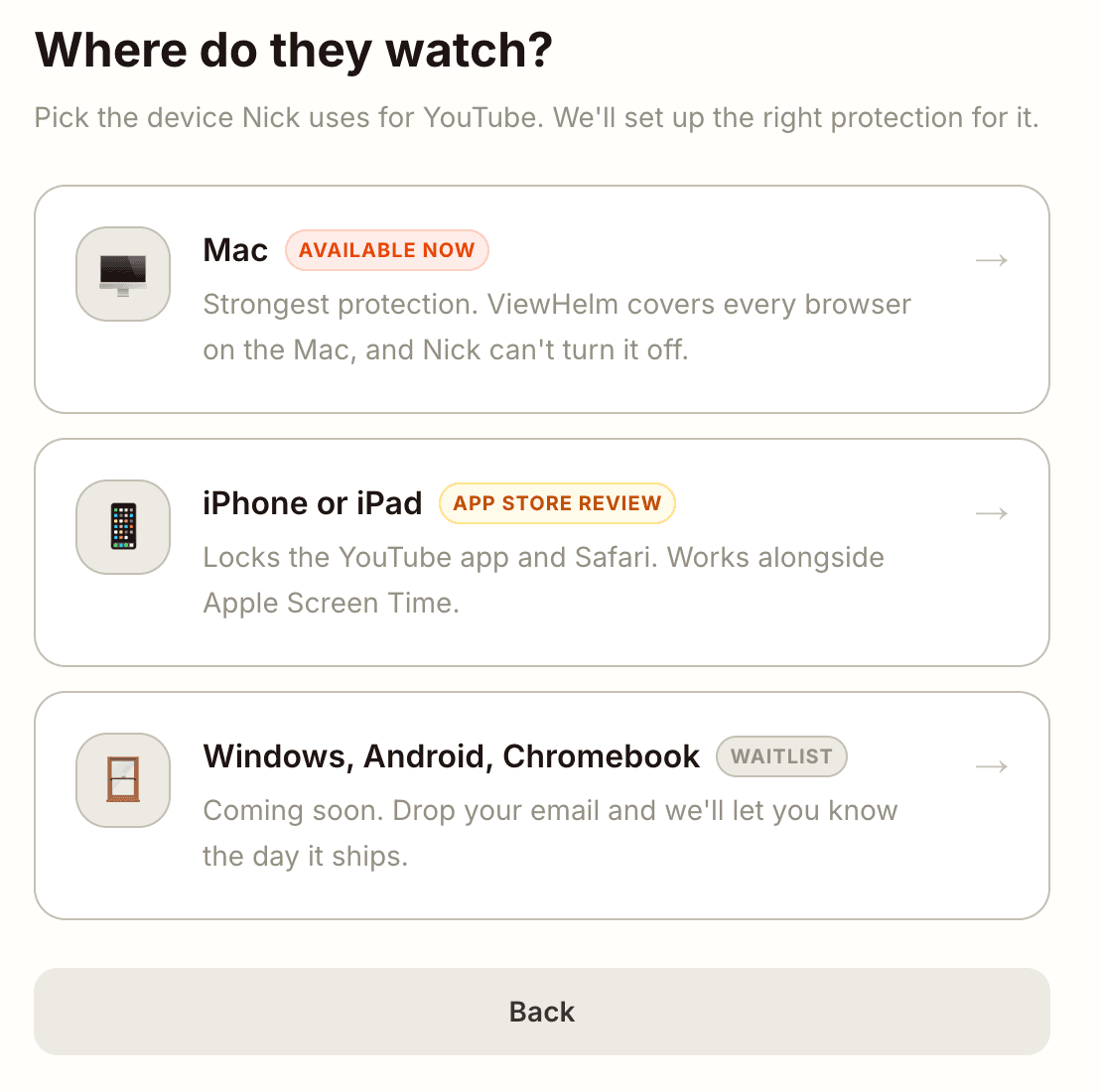
Install on the device they use
Right now that's Mac. The Console hands you the right installer — iPhone is in App Store review, Windows and Chromebook are on the way. ViewHelm sets up Chrome, blocks every other browser, and locks down guest mode automatically.
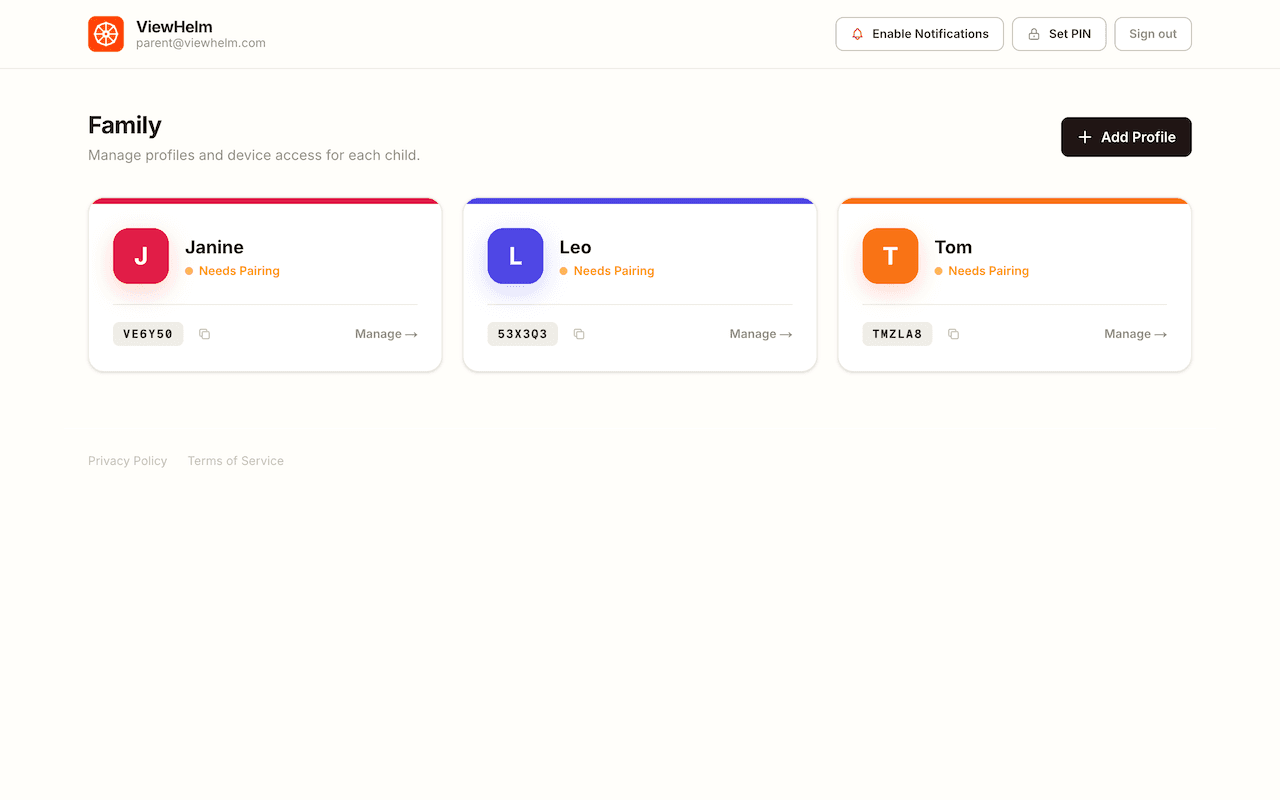
Pair with a 6-letter code
The installed app shows a code. Type it into the Console to link the device to your kid's profile — only yours.
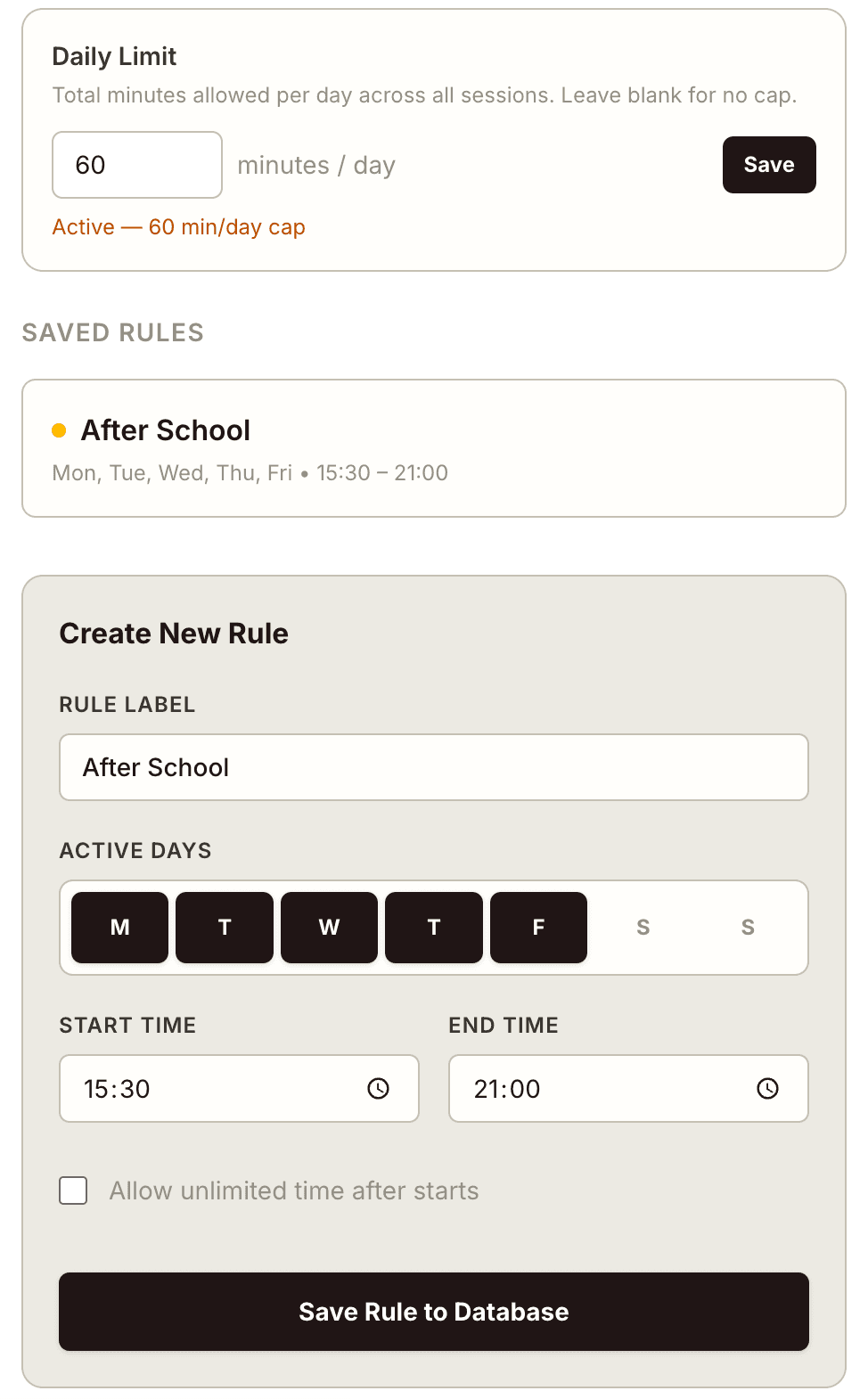
Pick channels and set the schedule
YouTube is blocked by default. Add the channels you trust by name or URL. Set when each one's on — Khan Academy weeknights, entertainment weekends, bedtime at 21:30. The clock is the rule.

Ready to take back the helm?
Free 14-day trial. Set up in five minutes. No technical skills required.